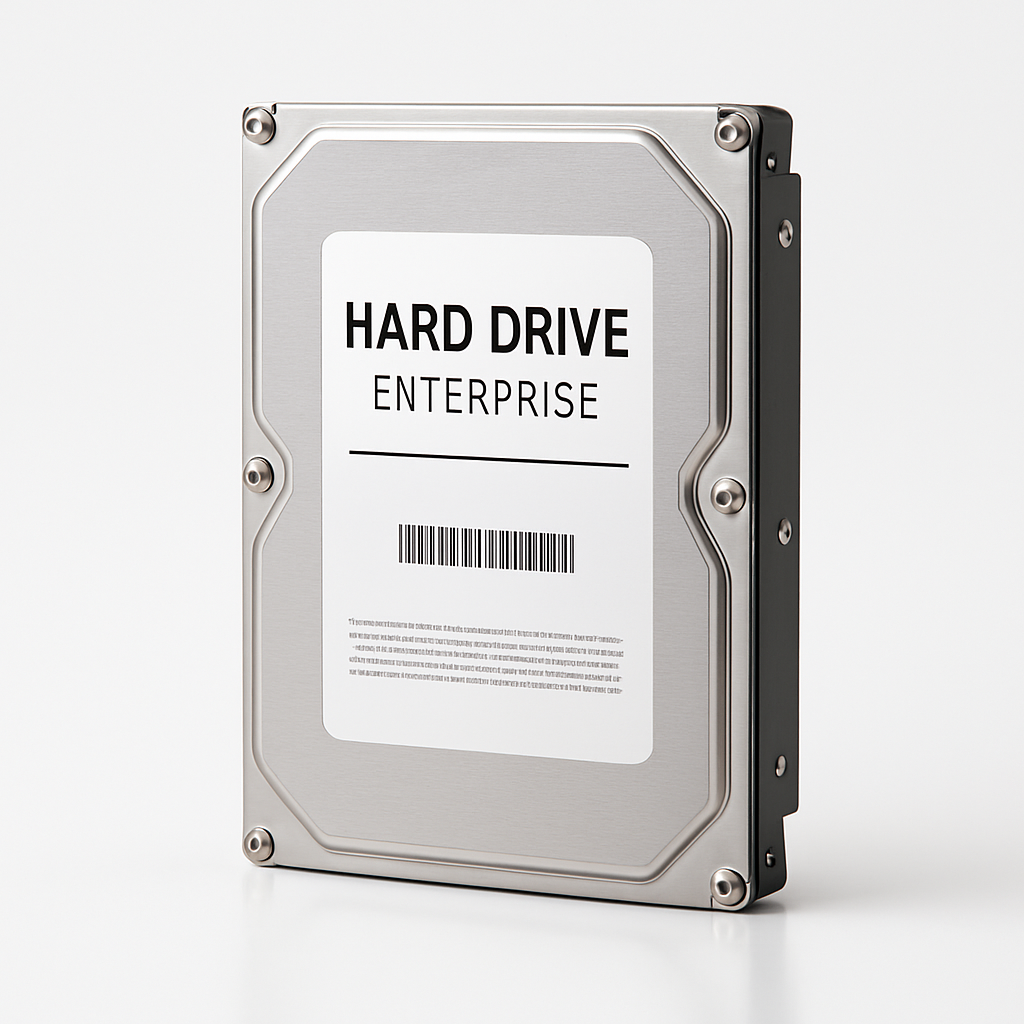
MDD (MaxDigitalData)
MDD is an Amazon seller specializing in refurbished enterprise hard drives — datacenter pulls from Seagate Exos, WD Ultrastar, and other enterprise lines. They often offer the lowest cost per TB on Amazon, but with trade-offs in warranty length and unknown drive history.
The Bottom Line
Lowest $/TB
MDD drives are often 40-60% cheaper than new enterprise drives. If you need bulk storage on a budget, they're hard to beat.
Enterprise Hardware
These are real Seagate Exos and WD Ultrastar drives — the same models datacenters use. CMR, high MTBF, RAID-optimized.
Buyer Beware
Unknown usage history, shorter warranties (typically 2 years), and inconsistent QC. Always check SMART data immediately.
What You're Actually Buying
MDD is not a hard drive manufacturer. They're a reseller that sources "datacenter pull" drives — enterprise HDDs removed from decommissioned servers, cloud infrastructure, or storage arrays. These drives are tested, relabeled, and sold as "renewed" or "refurbished" on Amazon.
Common Drive Models Sold by MDD
- Seagate Exos X16/X18: Enterprise workhorses, 2.5M hour MTBF, 550TB/year workload
- WD Ultrastar DC HC550: Helium-sealed, 2.5M hour MTBF, 550TB/year workload
- HGST Ultrastar: Pre-WD acquisition enterprise drives, legendary reliability
- Toshiba MG Series: Enterprise SATA/SAS drives, often overlooked gems
What to Check Immediately
- Power-On Hours: Under 30,000 hours is good. Over 50,000 is concerning.
- Reallocated Sectors: Should be 0. Any value above 0 means the drive is compensating for bad sectors.
- Current Pending Sectors: Should be 0. Non-zero indicates sectors waiting to be reallocated.
- Load Cycle Count: High counts (500k+) can indicate wear on the actuator arm.
When MDD Drives Make Sense
Good Use Cases
- •Plex/media servers: Large libraries where some data loss is recoverable from source
- •Backup targets: Secondary copies of data that exists elsewhere
- •Cold storage: Archives that aren't accessed frequently
- •RAID arrays with redundancy: Where you have parity/mirroring to survive a drive failure
- •Budget home lab builds: Learning environments where uptime isn't critical
Avoid MDD For
- •Primary data storage: Irreplaceable photos, documents, projects
- •Production servers: Where downtime costs money
- •Single-drive systems: No redundancy = no safety net
- •When you need manufacturer support: MDD warranty is seller-only
- •Client/business work: Where you can't explain "I bought refurb drives"
MDD Refurbished vs New Enterprise Drives
Here's how MDD refurbished drives compare to buying new enterprise drives from authorized retailers.
| Factor | MDD Refurbished | New Enterprise |
|---|---|---|
| Price (16TB) | ~$120-150 | ~$280-350 |
| Cost per TB | $7-10/TB | $17-22/TB |
| Warranty | 2 years (seller) | 5 years (manufacturer) |
| Usage History | Unknown (check SMART) | Zero hours |
| Quality Control | Inconsistent | Factory QC |
| Drive Quality | Enterprise-grade (Exos, Ultrastar) | Enterprise-grade |
| Best For | Budget builds, redundant storage, media servers | Production, mission-critical, business use |
Pro Tips for Buying MDD Drives
1. Buy Through Amazon
Amazon's A-to-Z guarantee protects you. If a drive arrives DOA or fails within 30 days, returns are painless. Buying directly from third-party sites is riskier.
2. Test Immediately
Run SMART diagnostics the day you receive the drive. Check Power-On Hours and Reallocated Sectors. Return within Amazon's window if anything looks wrong.
3. Buy One Extra
If you're building a 4-drive array, buy 5 drives. Use the healthiest 4 and keep one as a hot spare. The savings over new drives more than cover the extra unit.
4. Stagger Purchases
Drives from the same batch may fail around the same time. Buy from different listings or at different times to reduce the chance of simultaneous failures.
MDD Drive Prices
Current MDD listings on Amazon, sorted by cost per TB. Prices update daily.
All Drives
Loading... · Sorted by Cost/TB